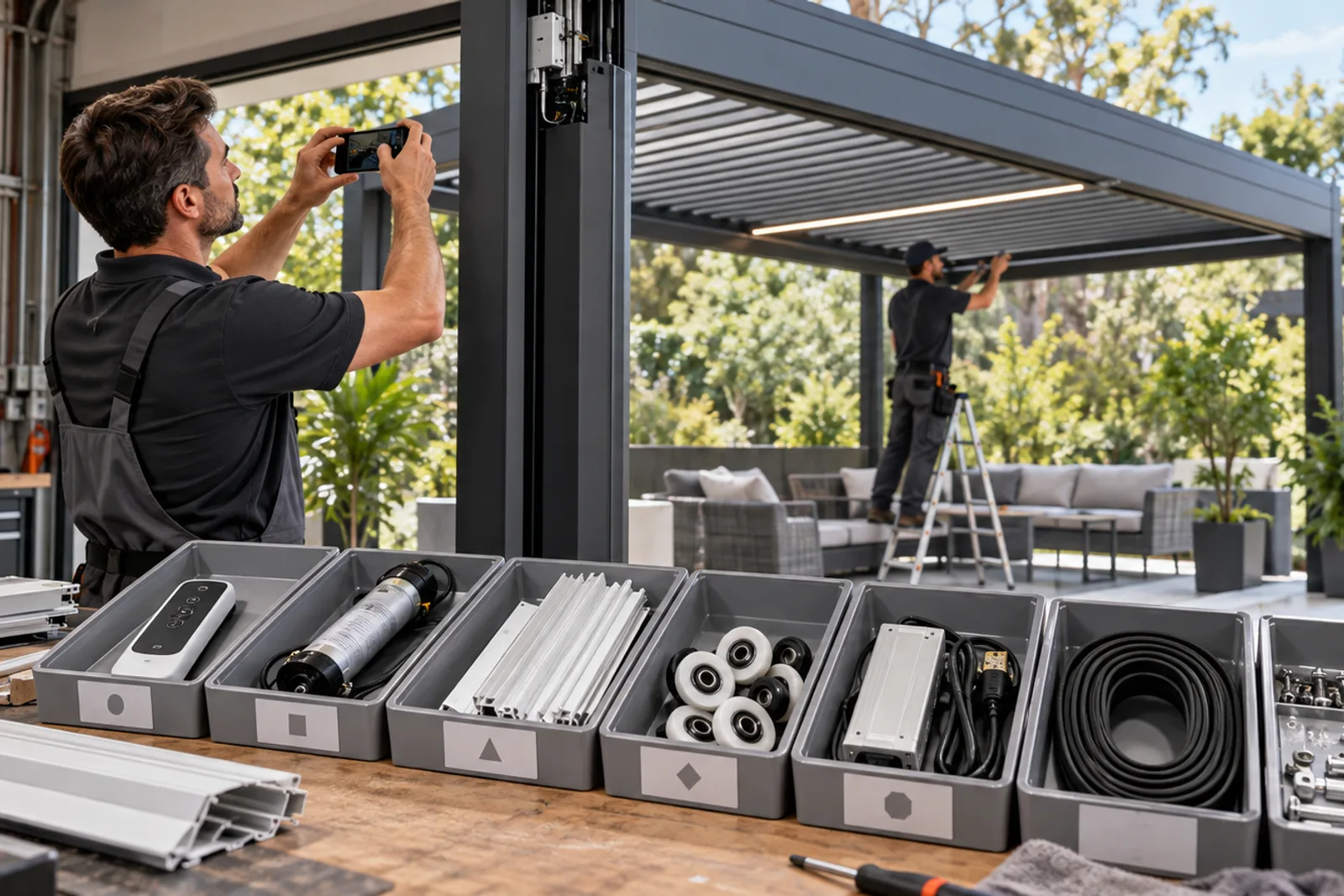
- After-sales starts with product identification and document retention.
- Replacement parts must match the installed revision, not only the product name.
- Separate diagnosis, warranty assessment, spare-parts supply and local labor responsibilities.
- Keep critical wear, control and hardware items in a planned dealer stock only after compatibility is confirmed.
- Use photographs, short videos and error descriptions to reduce avoidable shipments.
Why after-sales starts before the first order
A service team cannot reliably support an installed pergola if the sales file contains only a quotation and a rendering. The dealer should retain the final order, approved drawings, finish schedule, component references, packing list, installation records and handover information. These records turn a future complaint into a traceable technical question.
Agree the support route before selling. State who receives the client's first report, who can inspect locally, what evidence the factory needs and how parts are shipped. Do not promise a universal response time, free labor or automatic replacement without the written commercial and warranty terms for the order.
| Record | Why it matters | Where to keep it |
|---|---|---|
| Order and model reference | Identifies the supplied system | Dealer CRM or project file |
| Approved drawing revision | Confirms geometry and accessory elevations | Controlled document folder |
| Component schedule | Identifies motors, controls and drivers | Technical service record |
| Installation photos | Shows interfaces and local work | Project handover file |
| Issue history | Prevents repeated diagnosis | Service log |
Product and drawing identification
Begin every service case with the site, owner or dealer reference, LUCY order number when available, model and latest drawing revision. Photograph the complete pergola and the affected zone. If a label or component reference is accessible safely, photograph it without disconnecting or opening powered equipment.
A model name does not identify every part. Component packages can vary by order, market, control strategy or production revision. Dimensions and mounting patterns may also change. Never send a replacement motor, controller, ZIP component or glass fitting solely because it resembles a website image.
- Site and client reference
- Order number and pergola model
- Drawing and accessory schedule revision
- Clear overview and close photographs
- Component label or connector photograph
- Exact symptom and when it occurs
Motors, controls and electrical diagnosis
Record whether the roof or accessory receives power, which control was used, whether movement is partial or absent and whether the issue affects one zone or several. Check the operator instructions and safe external conditions before repeating movement. Unusual noise, binding, water entry or exposed wiring calls for qualified inspection rather than repeated operation.
Controls should be identified as a system: motor, receiver or controller, power supply, switch, remote, sensor and assigned zone. A remote that looks identical may use a different protocol or pairing. Local electrical testing must be performed by a qualified person using the approved component information.
| Symptom | Evidence to collect | Do not assume |
|---|---|---|
| No movement | Power state, control used and zone affected | The motor has failed |
| Uneven movement | Video, obstruction and linkage condition | More force will solve it |
| Remote not working | Other controls, battery and receiver response | Any matching remote is compatible |
| Intermittent issue | Weather, timing and sequence | The fault cannot be documented |
ZIP, glass, LED, heater and fan parts
ZIP screen service may involve fabric, zipper edge, guide insert, bottom bar, cassette, motor or controls. Photograph the entire opening, both guides and the point where the fault begins. Glass service requires the panel arrangement, track, rollers or hinges, handles, seals and parking condition. Because glass is a safety item, damaged panels and hardware need competent local handling.
For LED lighting, record the affected length or zone, driver and controller. For heaters and fans, retain the equipment reference and electrical schedule. These accessories should not be substituted from appearance alone; mounting, clearances, ratings, connectors and controls must match the installed system.
- ZIP opening and guide condition
- Glass panel number and hardware position
- Lighting zone and driver reference
- Heater or fan equipment label
- Control group and power information
- Evidence of impact, water or unauthorized modification
Hardware kits and replacement-part records
A dealer stock plan should focus on known compatible items, not a box of unrecorded hardware. Use part descriptions, photographs, dimensions, order or revision applicability and minimum handling requirements. Keep coated or sealed components protected from corrosion, dust and mixing.
For each shipment, record why the part was selected, what old component it replaces and who installs it. If the factory supplies a complete kit, keep its contents together until the technician verifies the site. Returned or replaced parts can help diagnosis when transport and safety allow, but return responsibility should be agreed first.
| Part group | Record before stocking | Service caution |
|---|---|---|
| Fasteners and seals | Size, material, finish and model use | Do not mix visually similar items |
| Motor and linkage | Model, stroke or drive interface and revision | Support the roof before mechanical work |
| Controls | Protocol, voltage and paired zones | Qualified electrical handling |
| ZIP components | Opening/system reference and side | Fabric and guides work as a set |
| Glass hardware | Panel system, position and glass data | Safety glazing and competent handling |
Warranty versus spare parts
A warranty assessment asks whether the reported condition falls within the written warranty terms and whether required evidence, operation, installation and maintenance conditions are satisfied. A spare-parts request simply asks what compatible item can be supplied. The two processes may overlap, but they are not identical.
Do not tell the client that every replacement is free or that local labor is included unless the contract says so. Freight, access equipment, removal, local electrical work and installation may have separate responsibilities. Clear communication protects the dealer relationship even when a claim requires more evidence.
- Acknowledge the issue without promising the outcome
- Request the agreed diagnostic evidence
- Check order and written warranty terms
- Separate component, freight and labor decisions
- Record the decision and corrective action
Dealer service workflow
Use a single intake form so sales, technical staff and the factory receive the same information. Triage safety concerns first, then confirm identification, reproduce the symptom where safe, request missing evidence and issue a written technical response. If a part is required, link it to the service case and drawing.
Close the case only after installation or adjustment is confirmed and the service record is updated. Repeated issues should feed back into training, installation checklists, spare stock and product documentation. This is how after-sales becomes a dealer capability rather than a sequence of emergency messages.
| Stage | Dealer action | Factory input |
|---|---|---|
| 1. Intake | Record site, model, symptom and safety status | Evidence checklist |
| 2. Identify | Confirm drawing and component references | Order record review |
| 3. Diagnose | Collect tests, photos and local inspection | Technical guidance |
| 4. Resolve | Arrange adjustment, labor or part replacement | Compatible part or written response |
| 5. Close | Confirm operation and update service log | Record final part/revision |
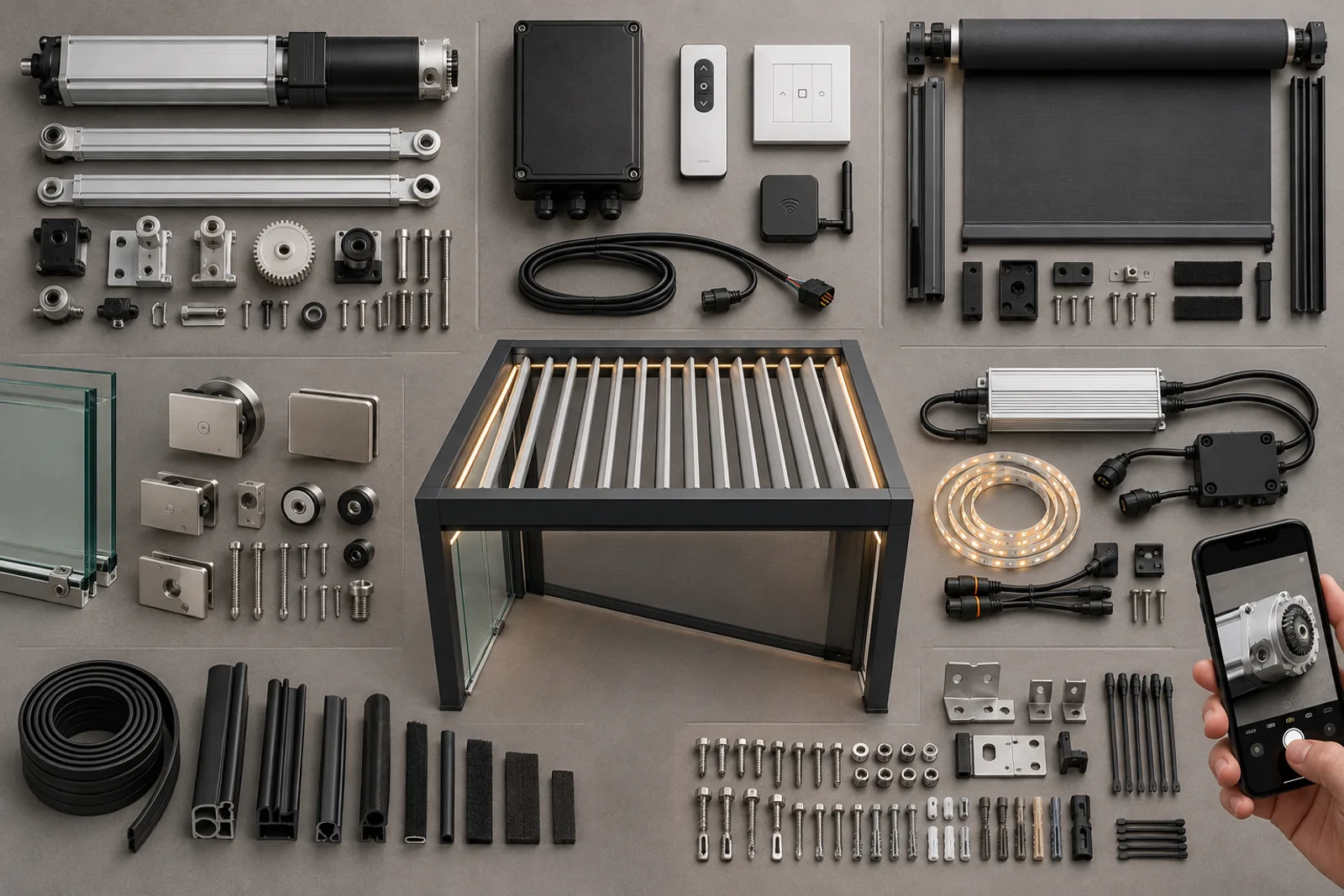
Project visuals
See the details in context
Common questions
What should a dealer keep for every pergola?+
Keep the order reference, model, approved drawings, finish and component schedules, packing list, installation photos and handover information.
Can I identify a motor from the pergola model?+
Not reliably. Confirm the installed motor and control reference because component packages may vary by order or revision.
Should dealers stock spare parts?+
A controlled stock of verified compatible parts can help, but quantities and items should follow the actual installed base and support plan.
Is local labor included with a warranty part?+
Only if the written order and warranty terms state that. Component, freight, access and labor responsibilities should be reviewed separately.
What photos help diagnose a ZIP screen?+
Send the complete elevation, both guides, cassette and bottom bar, plus close views or a short video showing where travel becomes abnormal.
How should a service case be closed?+
Confirm the corrective work, test operation, record the installed replacement reference and update the project service history.
Project configuration review
Talk to LUCY About Your Pergola Project
Send your project location, approximate dimensions, site photos or drawings for an initial configuration review.
WeChat: Lu260920
WhatsApp: +86 180 0306 4201
Project configuration review
Discuss your pergola project with LUCY.
Share the site location, dimensions, intended use and any available drawings. LUCY will review the relevant system, model and project interfaces.
Get a quote